
|
 Backing up a file on GenoPro's server
After putting many hours of work into a genogram, it is recommended to make
a back-up of your file in case of a disk failure. GenoPro now offers that
option in its newest version. A duplicate copy of your file will be kept on
a secure individual storage, serving as a guarantee in the event of loss or
damage to the original.
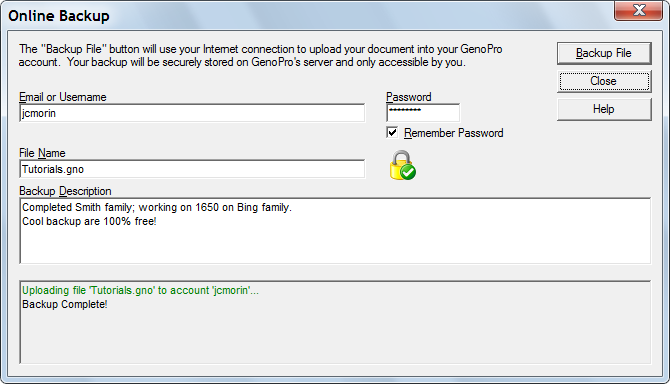
Online Backup Files Dialog
To save a copy of your genogram, use the Online Backup command from the File
menu.
This window will be displayed. Only you will have access to your back-up
files, as the file will be protected by a username and password prompt.
Viewing your Backup Files
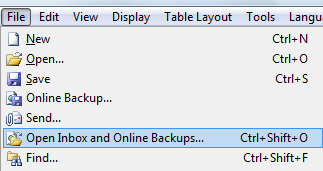
Click on menu File - Open Inbox and Online Backups...
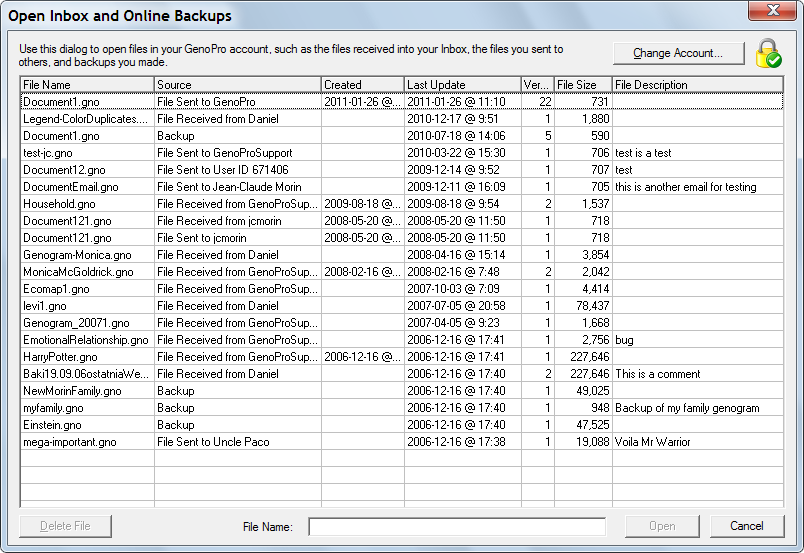
From this windows you can double click on a backup to open it or delete backup
you don't need by using the [Delete File] button.
Read More:
|